
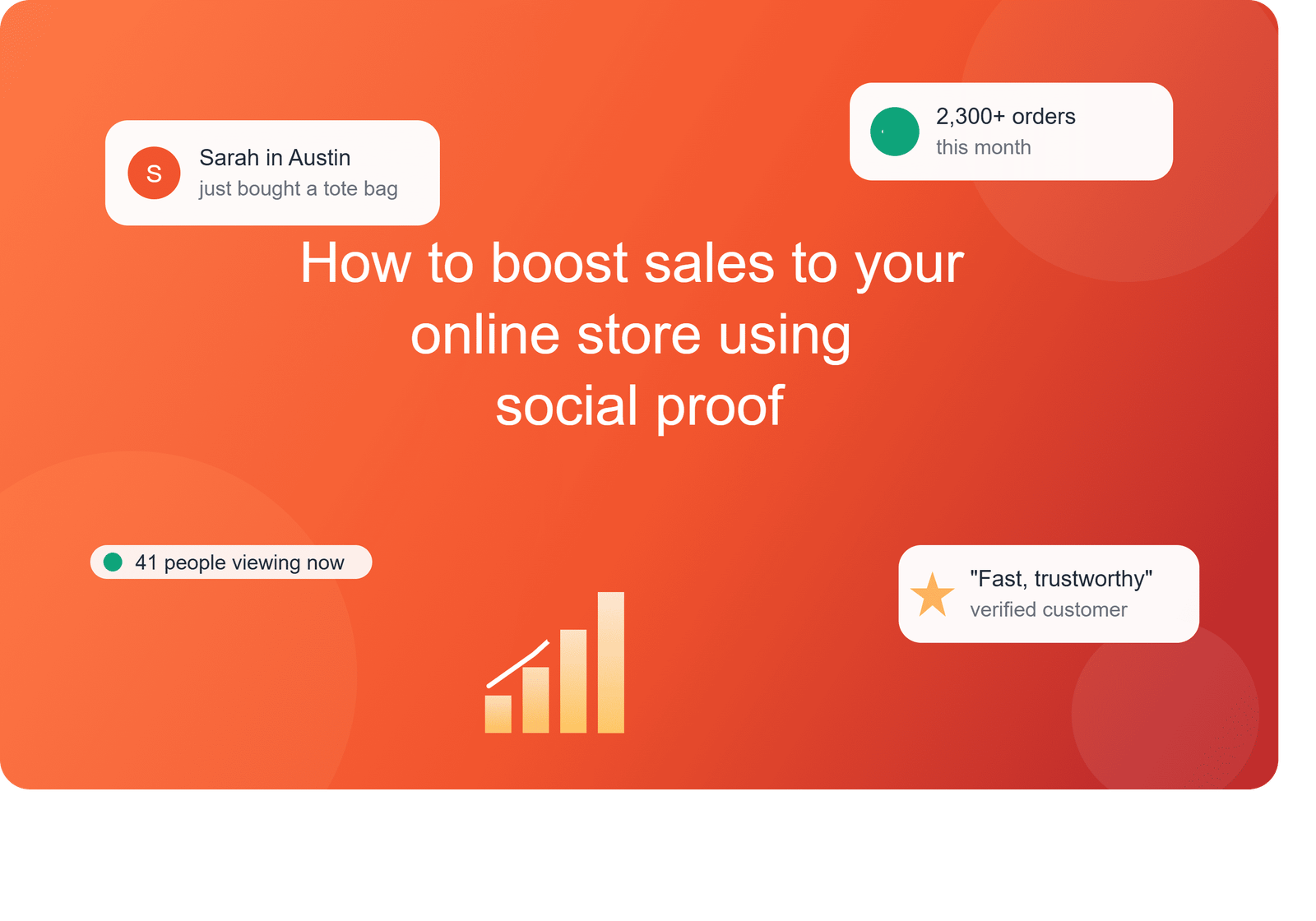
How to boost Sales to Your Online Store using Social Proof?
 fizfy
fizfy
A website can get plenty of traffic and still struggle to turn visitors into buyers. That gap between traffic and sales usually comes down to one thing: trust. New visitors don’t know your store yet, and hesitation is normal before someone hands over their credit card.
Social proof closes that trust gap. It shows real visitor behavior — recent purchases, active shoppers, honest reviews — so new visitors feel more confident buying. This guide breaks down what social proof is, how it works, and how to use it the right way to increase conversions without resorting to fake hype.
Quick answer: Social proof works by showing new visitors that other real people already trust and buy from your store. Tools like recent sale pop-ups, live visitor counts, and verified testimonials give hesitant shoppers the confidence to complete a purchase. Software such as Fizfy can automate this by displaying real-time notifications on your site without custom development work.
What Is Social Proof, and Why Does It Matter for Sales?
Social proof is a psychological principle. People look to others’ actions to decide what’s safe or worthwhile, especially when they’re uncertain. Online shopping is full of uncertainty: unfamiliar brands, no chance to touch the product, and a real risk of getting scammed.
When a shopper sees that dozens of other people recently bought the same item, that uncertainty drops. The purchase suddenly feels less risky and more normal. This isn’t manipulation when it’s done honestly — it’s simply surfacing information that already exists on your site.
For ecommerce specifically, social proof affects three things at once:
- Trust: Visitors believe your store is legitimate and other people shop there.
- Urgency: Seeing live activity nudges hesitant buyers to act now instead of leaving the tab open “for later.”
- Decision confidence: Reviews and testimonials answer the unspoken question, “Is this actually worth it?”
How Social Proof Notifications Work
A social proof notification is a small, real-time pop-up that shows recent visitor or customer activity on your website. It usually appears in a corner of the screen and fades after a few seconds.
The mechanism is simple. A tracking script (sometimes called a pixel) monitors specific events on your site, such as a completed order or a new signup. When that event happens, the notification tool displays a short message to other visitors browsing the site at that moment.
Recent Activity Notifications
These show what a specific visitor just did — for example, “Sarah from Austin just bought the Classic Tote Bag.” They work because they feel personal and current, not like a generic ad.
Sales Count and Active Visitor Notifications
Instead of a single event, these show a cumulative number: “1,204 orders this month” or “38 people are viewing this product right now.” This type appeals to shoppers who want proof that a product is genuinely popular, not just recently sold once.
Testimonials and Feedback Widgets
Static reviews sit on a product page and wait to be found. Testimonial notifications bring a review directly into view while someone is already browsing, which increases the odds it actually gets read.
Social Proof vs. Static Reviews: What’s the Difference?
Both build trust, but they work differently. The table below shows where each one fits best.
| Approach | Best For | Example |
|---|---|---|
| Recent sales notifications | Ecommerce checkout pages | “Mike just purchased Wireless Earbuds” |
| Sales count notifications | High-volume product pages | “2,300+ units sold this month” |
| Active visitor notifications | Limited-stock or seasonal items | “24 people are viewing this page” |
| Static customer reviews | Product research pages | Star ratings and written feedback |
| Testimonial pop-ups | Landing pages and homepages | A rotating quote from a verified customer |
Static reviews are searchable and let shoppers dig into detail before buying. Real-time notifications, on the other hand, catch attention passively while someone is already deciding. Most successful stores use both together rather than choosing one over the other.
Why Social Proof Improves Ecommerce Conversions
Conversion rate optimization, often shortened to CRO, is the practice of adjusting a website so more visitors complete a desired action, like finishing checkout. Social proof is one of the more reliable CRO tactics because it addresses hesitation at the exact moment a shopper is deciding.
Here’s why it tends to work:
- It lowers the perceived risk of buying from an unfamiliar brand.
- A little urgency builds in, without pressuring the visitor directly.
- Decisions shoppers already leaned toward get reinforced, instead of argued from scratch.
That said, social proof isn’t magic. A store with a confusing checkout flow, slow page speed, or unclear pricing won’t fix those problems with a notification widget. Social proof works best as one piece of a broader conversion strategy, alongside clear product pages, fast load times, and simple checkout.
Practical Examples Across Different Business Types
Social proof isn’t limited to product-based ecommerce. Here’s how different business types can apply it:
- An online clothing store can show a “recent purchase” notification whenever an order comes through, so browsing shoppers see real buying activity.
- A SaaS company can display recent signups instead of purchases, which builds confidence for free-trial visitors weighing whether to commit.
- A local service business, like a cleaning company or contractor, can highlight recent bookings or inquiries to show demand.
- An online course creator can show recent registrations to prove the course is actively being taken, not just listed.
These examples are illustrations of how the strategy applies, not specific results from any one company. Actual performance depends on traffic, product fit, and how notifications are designed.
Common Mistakes Businesses Make With Social Proof
A few mistakes show up often enough to call out directly.
Faking activity. Some tools let businesses simulate fake sales or inflate visitor counts. This is a serious trust risk. If a shopper later discovers the numbers were fabricated, the damage to your brand outweighs any short-term conversion bump. Genuine social proof only works because it’s true.
Overloading the page. Multiple notifications stacking on top of each other feels chaotic and can distract from the product itself. Space them out and keep messaging simple.
Ignoring mobile design. A notification that covers the “Add to Cart” button on mobile does more harm than good. Always preview how widgets look on a phone screen before publishing.
Using stale data. A “23 people viewing this” message that never changes looks obviously fake after a few visits. Notifications should reflect activity that’s actually happening.
How to Implement Social Proof on Your Website
Getting started doesn’t require a developer. Most modern social proof tools follow a similar setup process:
- Choose which activity to highlight. Decide whether recent sales, visitor counts, or testimonials matter most for your store right now.
- Design the notification. Match the widget’s colors and font to your site so it feels native, not bolted on.
- Add the tracking code. Most platforms provide a small snippet, sometimes called a pixel, that you paste into your site’s header.
- Test on desktop and mobile. Check placement, timing, and whether it interferes with any buttons or forms.
- Monitor results over time. Watch conversion rate, click-through rate on notifications, and bounce rate to see what’s actually helping.
For Shopify stores, this usually means adding the code through the theme editor. For WordPress and WooCommerce sites, a plugin can handle the same task without touching theme files directly.
How Fizfy Can Help
Fizfy is a social proof notification platform built around this exact use case. It offers more than 43 notification and widget types, covering recent activity, recent sales, sales count, active visitors, testimonials, and feedback collection.
Setup follows three basic steps: create an account, design a notification widget from the available templates, and add a pixel code to your site’s header. A dedicated WordPress plugin also simplifies inserting that pixel code without editing theme files, which makes Fizfy a workable option for WooCommerce stores that don’t want to touch raw HTML.
Plans are billed monthly, with pricing tiers based on notification volume and available features — details worth checking directly on the Fizfy pricing page since plans and limits can change. A free trial is available for businesses that want to test the setup before committing.
None of this replaces good product pages or a smooth checkout. Think of a tool like Fizfy as one layer in a broader conversion strategy, not a standalone fix.
Best Practices for Responsible Social Proof
Because this tactic relies on trust, it only works long-term when it’s accurate.
- Only display real customer activity, never simulated or exaggerated numbers.
- Keep testimonials tied to actual, verifiable feedback.
- Avoid notification designs that mislead visitors about stock levels or demand.
- Refresh your notification strategy occasionally so returning visitors don’t see repetitive messaging.
- Track performance with clear metrics: conversion rate, engagement with the notification itself, and overall revenue per visitor, so you know if it’s actually helping.
Transparency isn’t just an ethical choice here — it protects the credibility that makes social proof effective in the first place.
Frequently Asked Questions
What is social proof software?
Social proof software is a tool that displays real visitor or customer activity on a website, such as recent purchases or signups, to build trust with new visitors.
Do social proof notifications actually increase conversions?
They can help by reducing hesitation and reinforcing that other people already trust the site. Results vary by industry, traffic, and how notifications are designed, so testing on your own store is the only way to know for certain.
What’s the difference between social proof and testimonials?
Testimonials are a form of social proof. Social proof is the broader category, which also includes live visitor counts, sales totals, and real-time activity notifications.
How can Shopify stores use social proof notifications?
Shopify stores typically add a small tracking snippet to their theme to enable notifications, then customize which activities — like recent orders — get displayed to shoppers.
How can WooCommerce stores add social proof notifications?
WooCommerce sites can use a WordPress plugin to insert the required tracking code without editing theme files directly.
Are social proof notifications useful for lead generation, not just ecommerce?
Yes. SaaS companies and service businesses often show recent signups, bookings, or inquiries instead of purchases, which works the same way for building trust.
What should a social proof notification actually display?
It should reflect genuine activity: a real recent order, an accurate visitor count, or a verified testimonial. Avoid anything simulated or exaggerated.